 By Henry James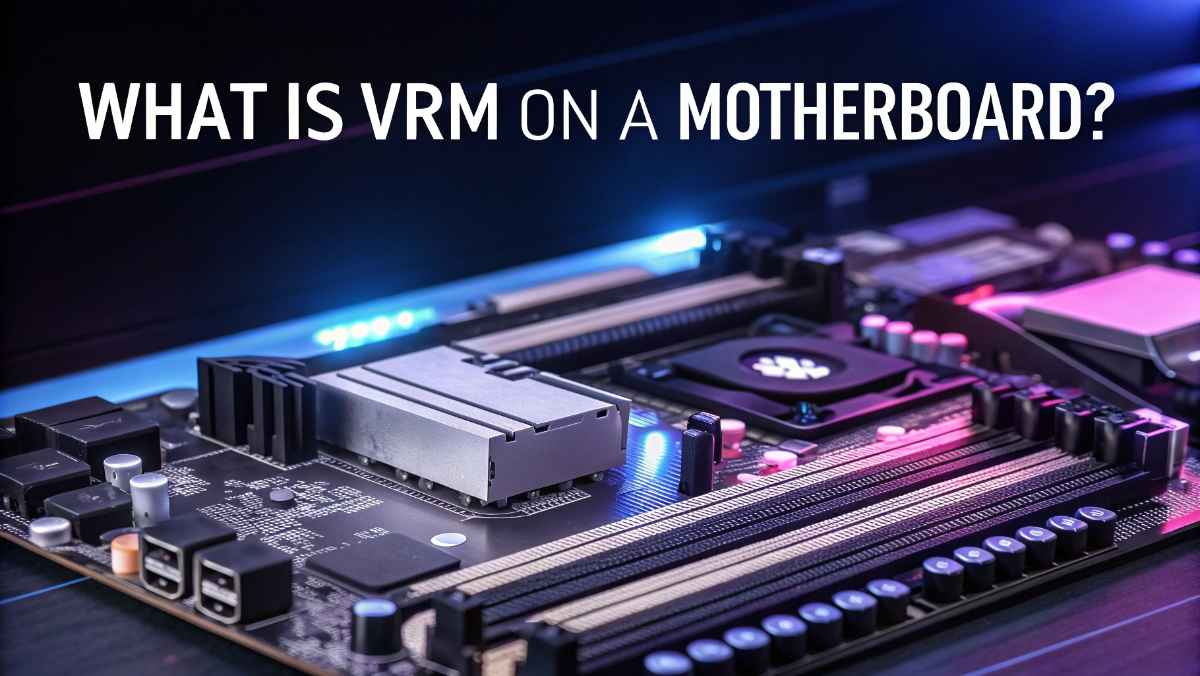
When people build or upgrade a computer, they often look at the CPU, GPU, and RAM first. These parts are easy to understand and have a clear impact on performance. But there is one important part on the motherboard that many people ignore: the VRM.
VRM stands for Voltage Regulator Module. It may sound technical, but the idea is simple. The VRM controls the power that goes to your CPU. Without it, your computer would not work properly.
In this article, you will learn what a VRM is, how it works, why it matters, and how to choose a motherboard with a good VRM.
VRM stands for Voltage Regulator Module.
Its main job is to take power from your power supply and adjust it to a safe level for your CPU. The power supply sends high voltage, but the CPU needs low and stable voltage to work correctly.
If the CPU gets too much power, it can overheat or even get damaged. If it gets too little, it may crash or perform poorly. The VRM makes sure the CPU gets the right amount of power at all times.
Many people think the CPU does all the work, but it cannot run without clean and stable power. This is where the VRM becomes very important.
Here are some reasons why VRM matters:
A good VRM provides steady power. This helps the CPU run smoothly without sudden drops or crashes.
If you want to push your CPU beyond its normal speed, you need a strong VRM. Weak VRMs can fail under extra load.
High-quality VRMs handle power more efficiently. This reduces heat and helps your system stay cool.
Clean power means less stress on your CPU. This can help your system last longer.
To understand VRM, think of it like a water tap.
- The power supply is like a water tank with high pressure.
- The CPU is like a small pipe that cannot handle too much pressure.
- The VRM acts like a tap that controls the flow.
It reduces the voltage and keeps it steady so the CPU gets just what it needs.
A VRM is made up of several small components working together. You don’t need deep technical knowledge, but knowing the basics helps.
These are like switches. They control how much power flows through the system.
These smooth out the power. They help remove noise and keep the voltage stable.
These store energy and release it when needed. They help maintain a steady power supply.
This is the brain of the VRM. It controls how all parts work together.
You may have seen terms like “6-phase VRM” or “12-phase VRM.” This refers to how many power phases the VRM has.
Each phase shares part of the workload. More phases usually mean:
- Better power delivery
- Less heat per component
- Improved stability
For example:
- 4-phase VRM: Basic usage
- 6 to 8 phases: Good for gaming
- 10+ phases: Great for overclocking and high-end CPUs
More phases do not always mean better quality, but they often help.
If you are building a gaming PC, you might wonder if VRM affects gaming performance.
The answer is yes, but indirectly.
A strong VRM does not increase FPS directly. However, it allows your CPU to run at full power without slowing down. This means:
- More stable frame rates
- Less stuttering
- Better performance during long gaming sessions
If your VRM is weak, your CPU may throttle (slow down), which can hurt your gaming experience.
Overclocking means running your CPU at a higher speed than normal. This requires more power.
A weak VRM may struggle to provide that extra power. This can cause:
- System crashes
- High temperatures
- Reduced performance
A strong VRM, on the other hand, can handle higher loads easily. That’s why serious users always check VRM quality before overclocking.
No, VRM quality can vary a lot between motherboards.
Even if two boards support the same CPU, their VRMs can be very different.
- Fewer phases
- Smaller heatsinks
- Basic components
- Balanced VRM design
- Decent cooling
- Suitable for gaming
- Many phases
- Large heatsinks
- Premium components
- Best for overclocking
This is why price differences exist between boards with similar features.
VRMs can get hot, especially under heavy load. That’s why cooling is important.
Most motherboards use heatsinks to cool the VRM. These are metal blocks placed over VRM components.
- Large heatsinks
- Good airflow from case fans
- Heat pipes (in high-end boards)
If VRMs overheat, they can reduce performance or even shut down the system.
You may not always see VRM problems directly, but there are some signs:
- CPU speed drops under load
- System crashes during gaming
- High motherboard temperatures
- Poor overclocking results
If you notice these issues, your VRM could be the problem.
When buying a motherboard, do not just look at price or brand. Check the VRM as well.
Here are some tips:
Look for detailed reviews that test VRM performance.
Bigger and better heatsinks usually mean better cooling.
High-end CPUs need strong VRMs. Budget CPUs do not need as much.
Pairing a powerful CPU with a weak motherboard is not a good idea.
If you use your computer for simple tasks like browsing, watching videos, or office work, VRM is not a big concern.
Most basic motherboards can handle light tasks easily.
However, if you:
- Play modern games
- Edit videos
- Use heavy software
- Overclock your CPU
Then VRM becomes very important.
Let’s clear up some common misunderstandings.
Not always. Quality matters more than quantity.
It matters for normal use too, especially with powerful CPUs.
They may look similar, but internal quality can be very different.
Imagine your CPU is like a car engine.
- The power supply is fuel
- The VRM is the fuel system
- The CPU is the engine
If the fuel system is poor, the engine will not run well, no matter how powerful it is.
As CPUs become more powerful, VRMs also need to improve.
Modern motherboards now include:
- Better power efficiency
- Smarter controllers
- Improved cooling designs
This helps support new CPUs that need more power while staying cool and stable.
VRM may not be the most talked-about part of a motherboard, but it plays a key role in your system.
It controls power delivery, keeps your CPU stable, and helps your computer run smoothly. Whether you are gaming, working, or overclocking, a good VRM can make a big difference.
When building or upgrading a PC, do not ignore the VRM. It might not be flashy, but it is one of the most important parts of your motherboard.