 By Henry James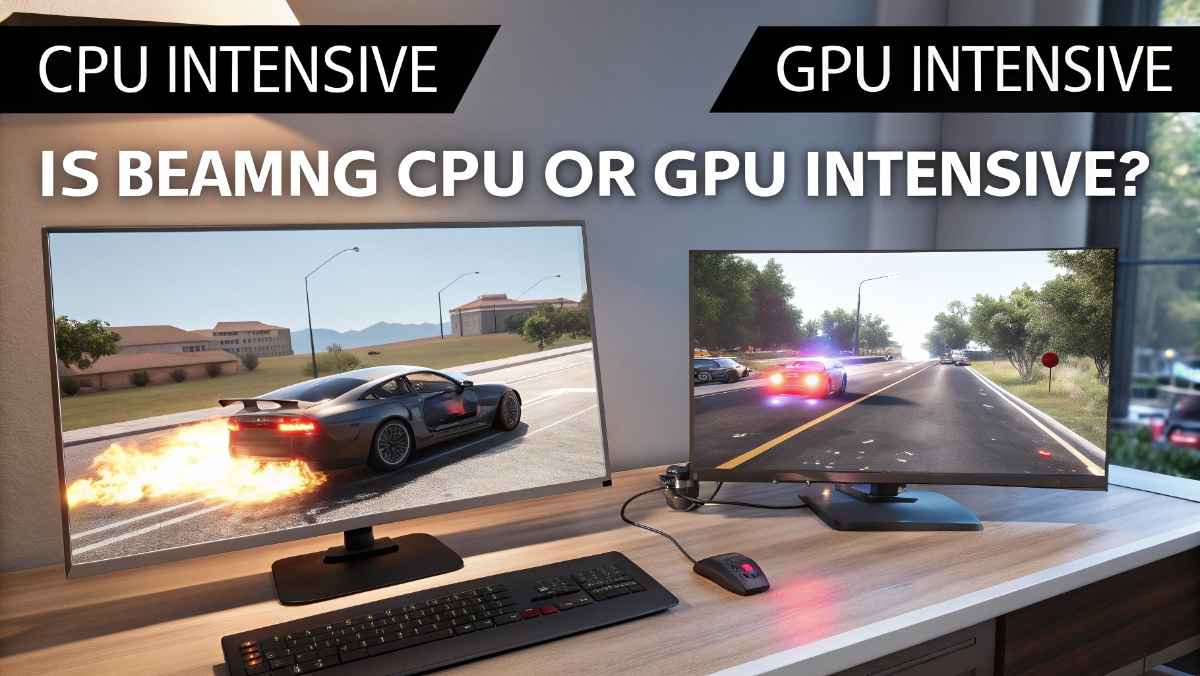
If you play BeamNG.drive or plan to try it, you may wonder if it needs a strong CPU or GPU. This is important because choosing the right hardware helps you get smooth gameplay without lag. In this guide, you will learn whether BeamNG is CPU or GPU intensive, how the game uses your system, and what you need for the best performance.
BeamNG.drive is mostly CPU intensive because it uses real-time physics simulation. However, the GPU is also important for graphics, especially on high settings and resolutions.
BeamNG is different from most racing or driving games. It focuses on realistic physics, not just visuals.
Here’s why the CPU is heavily used:
BeamNG uses a system called soft-body physics. This means every part of a car is simulated in real time.
- Doors bend
- Tires react to terrain
- Metal deforms during crashes
All these calculations are handled by the CPU.
In BeamNG, every vehicle is not just a model. It is a full simulation.
- 1 car = normal CPU usage
- 5 cars = high CPU usage
- 10+ cars = very heavy CPU load
This is why traffic or multiple vehicles can slow down your game.
The CPU also handles:
- Vehicle behavior
- AI traffic
- Collision detection
- Map interactions
So even if your GPU is strong, a weak CPU can cause lag.
Even though CPU is more important, the GPU still plays a big role.
If you play at:
- 1440p
- 4K
Your GPU has to work much harder.
Settings that use more GPU:
- Shadows
- Reflections
- Lighting effects
- Anti-aliasing
These settings improve visuals but increase GPU load.
Some maps and mods add:
- Better textures
- More objects
- Detailed environments
This puts extra pressure on the GPU.
Here is a simple comparison to understand their roles:
| Component | Importance | Role in BeamNG |
| CPU | ⭐⭐⭐⭐⭐ | Physics, crashes, vehicle simulation |
| GPU | ⭐⭐⭐ | Graphics, lighting, resolution |
| RAM | ⭐⭐⭐⭐ | Loading maps, vehicles, mods |
👉 The CPU is the most important part for BeamNG performance.
Let’s look at how the game behaves in different situations:
- CPU is the main limit
- GPU usage is low
- Game depends on processor speed
- CPU still very important
- GPU starts to matter more
- Balanced performance
- GPU usage increases
- CPU still handles physics
- Both components are important
- 1–2 cars → smooth gameplay
- 5 cars → noticeable CPU load
- 10+ cars → heavy lag if CPU is weak
BeamNG can use multiple CPU cores, but it still prefers strong single-core performance.
- More cores help with multiple cars
- Higher clock speed improves smoothness
- Modern CPUs perform better
👉 Best results come from CPUs with both high speed and multiple cores.
For smooth gameplay, choose a strong CPU.
- Mid-range: Ryzen 5 / Intel i5
- High-end: Ryzen 7 / Intel i7
- Enthusiast: Ryzen 9 / Intel i9
👉 A better CPU = better physics performance
The GPU is important for visuals.
- Entry level: GTX 1660
- Mid-range: RTX 3060
- High-end: RTX 4070 or better
👉 If you play at high resolution, invest in a better GPU.
RAM is also very important in BeamNG.
- Minimum: 16GB
- Best experience: 32GB
More RAM helps with:
- Large maps
- Mods
- Multiple vehicles
If your game is lagging, try these tips:
Fewer cars = less CPU load
Traffic uses a lot of CPU power
Large maps increase system usage
Free up CPU resources
Keep your system optimized
If your GPU is struggling:
- Lower resolution
- Reduce shadows and reflections
- Turn off anti-aliasing
- Use medium graphics settings
Many players make these mistakes:
BeamNG needs a strong CPU more than GPU
Mods can increase both CPU and GPU load
More vehicles = more physics calculations
BeamNG is harder to run than most driving games because of its physics system.
- With 1–2 cars
- On low settings
- With many vehicles
- On high settings
- With mods
If you have a low-end PC:
- Using low settings
- Limiting vehicles
- Playing on small maps
👉 The game will run, but with limited performance.
If you have a powerful system:
- You can run many vehicles
- Use high or ultra settings
- Enjoy realistic crashes
👉 The experience becomes much better with strong hardware.
BeamNG.drive is a unique game that focuses on realistic physics. This is why it is mostly CPU intensive. The CPU handles all the complex calculations, while the GPU improves how the game looks.
If you want the best experience:
- Focus on a strong CPU first
- Then choose a good GPU
- Add enough RAM for smooth gameplay
BeamNG is mostly CPU intensive because of its real-time physics system.
Yes, GPU matters for graphics, especially at high settings and resolutions.
Yes, but only on low settings. A better GPU improves visuals.
Each car uses CPU power, so more cars increase CPU load.
Yes, but it still needs strong hardware because of advanced physics.