 By Henry James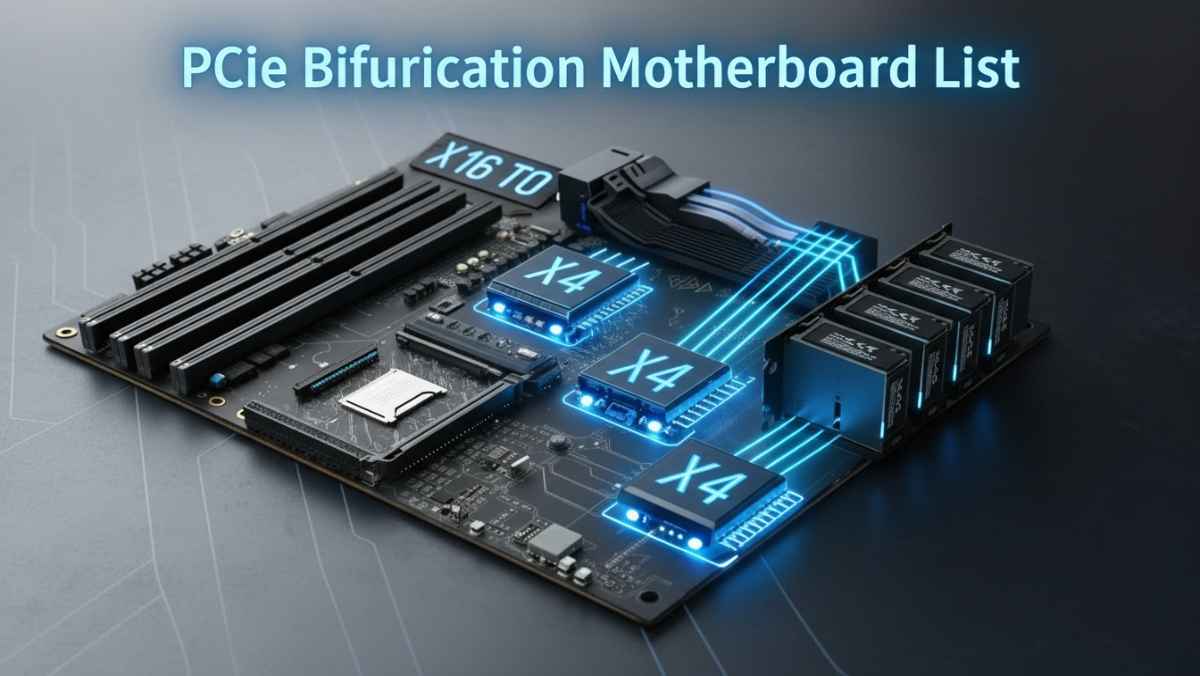
If you are building a powerful PC or server, you may have heard about PCIe bifurcation. This feature helps you use one PCIe slot for multiple devices like SSDs or GPUs. But not every motherboard supports it, and finding the right one can be confusing.
In this article, you will learn everything in simple words: what PCIe bifurcation is, how it works, and a real motherboard list that supports it.
PCIe bifurcation means splitting one PCIe slot into multiple smaller lanes.
For example:
- A x16 slot can become → x8 + x8
- Or → x4 + x4 + x4 + x4
This lets you connect multiple devices using one slot.
In simple words, it turns one big road into multiple smaller roads.
👉 This feature is useful for:
- Running multiple NVMe SSDs
- Using expansion cards
- Building storage servers
- High-performance workstations
PCIe bifurcation allows a motherboard to treat one slot as multiple connections for different devices.
Without bifurcation:
- You can only use one device per slot
With bifurcation:
- You can use 2, 3, or even 4 devices in one slot
This is very useful when:
- You want more storage
- You have limited PCIe slots
- You build NAS or server systems
Before buying, you must check:
Not all CPUs support bifurcation.
You need enough PCIe lanes from your processor.
Bifurcation must be enabled in BIOS.
If you don’t see the option, it may not be supported.
Some boards support:
- x8/x8 only
- Some support full x4/x4/x4/x4
Always check the official motherboard page or manual.
Here are some popular motherboards that support PCIe bifurcation.
These are best for heavy workloads and servers.
- ASUS ROG Zenith II Extreme Alpha
- ASUS Pro WS WRX80-SAGE SE WIFI
- ASUS Pro WS TRX50-SAGE WIFI
- Supermicro X10SRL-F
- ASRock Rack ROMED8-2T
👉 These boards offer:
- Full x4x4x4x4 support
- Many PCIe lanes
- Strong performance
Some server boards even support splitting a slot into four x4 lanes easily.
These are great for modern builds.
- ASUS ROG Crosshair VIII Hero
- MSI MEG X570 GODLIKE
- ASRock X570 Taichi
- ASUS ROG STRIX B650E-E Gaming WiFi
- ASUS TUF Gaming B650-PLUS
- ASUS ProArt B650-Creator
- ASUS ROG MAXIMUS Z790 HERO
Many B650 and X670 boards support bifurcation depending on CPU and slot usage.
- Gigabyte Z490 AORUS XTREME WATERFORCE
- ASUS PRIME Z590-A
- ASUS ROG STRIX Z590-A
- ASUS ROG MAXIMUS Z690 EXTREME
- ASUS ROG MAXIMUS Z690 FORMULA
- ASUS ROG MAXIMUS Z790 HERO
👉 These boards usually support:
- x8/x8
- Some support x4/x4/x4/x4
These are more affordable but still good.
- ASUS PRIME X470-PRO
- ASUS TUF X470-PLUS GAMING
- ASUS ROG STRIX X470-F GAMING
- Gigabyte W480M
👉 Keep in mind:
- Most mid-range boards support limited bifurcation (like x8/x8 only)
- B450 / B550 boards
- Basic Intel boards
👉 Usually:
- Only support GPU split (x8/x8)
- Not full NVMe splitting
Some cheaper boards do not support full x4x4x4x4 at all.
Here are common modes:
- One device only
- Two devices
- Three devices
- Four devices
Not all boards support all modes.
Follow these steps:
Look for:
- “PCIe bifurcation”
- “PCIe split”
Go to:
- Advanced settings
- PCIe configuration
Manual clearly shows supported modes.
Imagine you have:
- One x16 slot
- NVMe expansion card (4 SSD slots)
With bifurcation:
- You can use all 4 SSDs
Without it:
- Only 1 SSD works
❌ Buying motherboard without checking bifurcation
❌ Using unsupported CPU
❌ Expecting all slots to support splitting
❌ Not updating BIOS
PCIe bifurcation is perfect for:
- Multiple NVMe drives
- High-speed storage + GPU
- Multi-GPU setups
- Flexible expansion
- Always use updated BIOS
- Use quality PCIe adapters
- Check lane sharing rules
- Prefer high-end chipsets
PCIe bifurcation is a powerful feature, but not all motherboards support it.
If you want the best experience:
- Choose high-end or workstation boards
- Make sure CPU + motherboard both support it
- Always check BIOS settings
With the right motherboard, you can turn one slot into multiple powerful connections and build a very flexible system.